
Themes
Themes

Plugins
Plugins
.elementor-496 .elementor-element.elementor-element-48f58damargin-top:75px;margin-bottom:75px;.elementor-496 .elementor-element.elementor-element-949344d .elementor-posts-container .elementor-post__thumbnailpadding-bottom:calc( 0.5 * 100% );.elementor-496…

List00
List00
.elementor-496 .elementor-element.elementor-element-48f58damargin-top:75px;margin-bottom:75px;.elementor-496 .elementor-element.elementor-element-949344d .elementor-posts-container .elementor-post__thumbnailpadding-bottom:calc( 0.5 * 100% );.elementor-496…

Divi Footer Editor 2.1.1
Divi Footer Editor 2.1.1
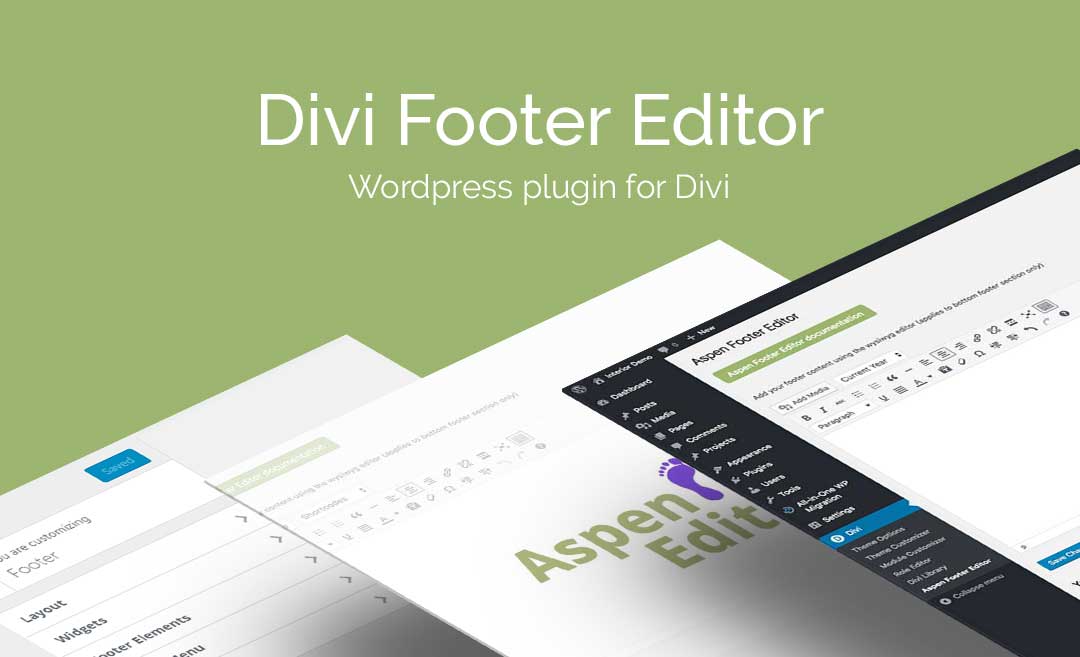
Create a lasting and memorable footer for your Divi or Extra website with the Aspen Footer Editor. Requiring no knowledge of code, the Aspen Footer Editor helps you to style out a site-wide footer section using a WYSIWYG console that mimics the page or post editor of WordPress core itself. With the Aspen Footer Editor, […]
Create a lasting and memorable footer for your Divi or Extra website with the Aspen Footer Editor. Requiring no knowledge of code, the Aspen Footer Editor helps you to style out a site-wide footer section using a WYSIWYG console that mimics the page or post editor of WordPress core itself. With the Aspen Footer Editor, you can design a footer to include your own custom text, credentials, contact details or other important information designed to assist your site visitors along their journey through your website.
Enhance Your Footer Area
The footer section of a website is an incredibly important website asset that can either steer your site viewer in the right direction or encourage them to stay on your website. Despite its importance, the footer section is often neglected and overlooked. To combat this, the ultra-lightweight and powerful Divi Footer Editor plugin helps you style out an eye-catching footer section that will display site-wide across your Divi or Extra website.
As well as being able to include your own custom text and credentials, you’ll be able to embed images and videos in your footer as well as include hyperlinks and even dynamic dating through the use of a shortcode. Using a WYSIWYG editor console that mimics the page and post editor of the WordPress core platform, the Divi Footer Editor requires no knowledge of code to operate, although users who are familiar with CSS can include additional styling for an extra unique look and feel.
Divi Footer Editor Features
Create an attractive and engaging footer section that will reflect site-wide throughout your Divi or Extra website
Create and style out a footer section for your Divi or Extra website with ease
Leave a lasting impression of your brand by designing an attractive and memorable footer section
Steer your site viewers in the right direction by designing a well thought out footer section for your Divi or Extra website

WP and Divi Icons Plugin 1.1.0
WP and Divi Icons Plugin 1.1.0

Helping WordPress users build even better websites, the WP and Divi Icon plugin adds over 2500 icons into the WordPress framework. Compatible with any standards-compliant WordPress theme and the Divi theme, the WP and Divi Icon plugin displays in either the WordPress editor console or within the Divi Builder in any icon-ready module. The WP […]
Helping WordPress users build even better websites, the WP and Divi Icon plugin adds over 2500 icons into the WordPress framework. Compatible with any standards-compliant WordPress theme and the Divi theme, the WP and Divi Icon plugin displays in either the WordPress editor console or within the Divi Builder in any icon-ready module.
The WP and Divi Icon plugin ships already integrated with leading icon font sets: Font Awesome and Material Design, use thousands of third-party icons directly from within the WordPress editor or the Divi Builder, without having to initiate any software or run complicated integration scripts. The WP and Divi Icon plugin comes complete with SVG support, promising pixel-perfect designs.
As well as the external font sources and the built-in Elegant Themes icon font set that comes default with the Divi theme, the WP and Divi Icons plugin includes a collection of custom, hand-designed icons too. In its first release, the WP and Divi Icon plugin automatically added over 300 custom icons to the WordPress and Divi theme framework. Now in its latest version, the plugin includes an additional 150+ custom icons for use in page, post or project layouts.
The custom hand-crafted icons included in the plugin are also available as standalone graphic assets. Licensed under the Creative Commons license, the custom icons can be customized and used in both commercial and personal creative projects.
Set icon colors directly within the plugin settings

Divi Ghoster Plugin 2.1.0
Divi Ghoster Plugin 2.1.0
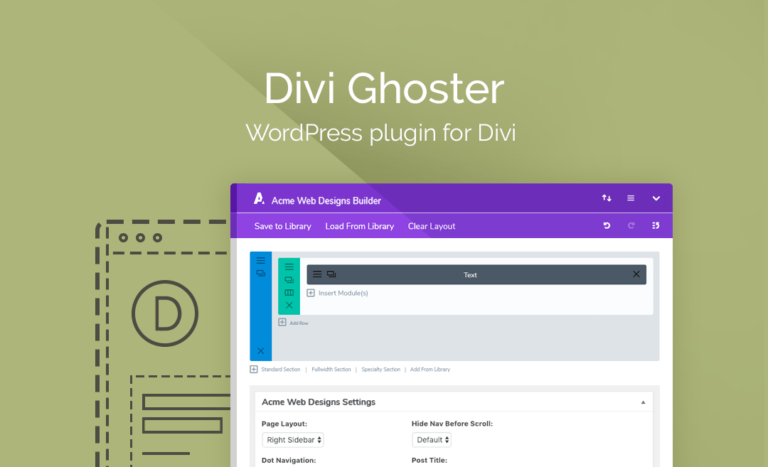
Instantly White Label Your Divi or Extra Website. Divi Ghoster removes all traces of the Divi or Extra theme from the front end, back end, and source code of your website. Custom brand your website in seconds. With Divi Ghoster, you’re able to hide your use of the Divi theme in development from both the […]
Instantly White Label Your Divi or Extra Website. Divi Ghoster removes all traces of the Divi or Extra theme from the front end, back end, and source code of your website. Custom brand your website in seconds.
With Divi Ghoster, you’re able to hide your use of the Divi theme in development from both the back and front end of your website. With Divi Ghoster, you’ll be able to create a truly custom web build by replacing all Divi or Extra related text and branding with either your or your client’s assets. For an even stealthier approach, the Ultimate Ghoster feature allows you to hide both the Divi theme from the theme selector console as well all Divi-related plugins used during your build.
White Label the Divi Theme
Take control of your web build with Divi Ghoster by white labeling both the front and back end of your Divi or Extra website. Perfect for enhancing the brand asset value of either your own website or that of a client, Divi Ghoster allows you to add deep levels of personalization to a web build. Through Divi Ghoster, you’re able to remove and replace any instance of Divi or Extra appearing on the back end of your website with custom text and graphics of either your or your client’s branding.
Divi Ghoster also allows you to change the slug text of your website’s URLs, making sure that any Divi-related text is removed from back end URL structures. Also, for even more website customization, Divi Ghoster ships with a Login Customizer that allows you to design the standard wp-admin or wp-login page to suit either your or your client’s brand identity.
Going a step further, Divi Ghoster’s Ultimate Ghoster feature will allow you to set your site to full incognito mode and hide both the Divi or Extra theme as well as any Divi-related plugins in development from source code and from most theme detectors.

Divi Page Builder Everywhere
Divi Page Builder Everywhere
Page Builder Everywhere brings the extraordinary power of the Divi Builder to new and exciting places. No longer is it only supported on posts, pages and certain custom post types: wherever text goes, Divi goes! Enhance the Divi Theme While the Divi Builder is a powerful visual builder, it can’t be used with the same […]
Page Builder Everywhere brings the extraordinary power of the Divi Builder to new and exciting places. No longer is it only supported on posts, pages and certain custom post types: wherever text goes, Divi goes!
Enhance the Divi Theme
While the Divi Builder is a powerful visual builder, it can’t be used with the same level of fluidity in each and every aspect of website development. Page Builder Everywhere is an incredibly handy plugin that solves this by allowing the use of the builder outside of its standard scope. Continuing the builder’s native function, users will be afforded the same drag and drop modular functionality of the Divi Builder in headers, footers, and sidebars, as well as on 404 error, category, search, archive and WooCommerce pages.
With Page Builder Everywhere, users are able to craft each section, page or element to their hearts desire, with the same available modules in the same familiar fashion. Page Builder Everywhere both saves Divi users of all skill levels countless hours, and too, allows for the design of a one-of-a-kind web aesthetic by enabling the use of maps, forms, call-to-actions and more in unique and eye-catching locations.
About Page Builder Everywhere
With the Page Builder Everywhere plugin, you’ll be able to extend the reach of the Divi Builder plugin to outside of its standard scope to include the use of customizable modules in a range of new exciting areas, sections, and pages. From headers to footers and sidebars, 404 error pages and more, Page Builder Everywhere lets you use the Divi Builder in its normal state like never before
Page Builder Everywhere Features

Divi Switch
Divi Switch
Making changes to your Divi site just got a LOT easier. Divi Switch is the best, most comprehensive plugin for making your Divi site look and perform exactly how you want it to! Divi Switch gives you the most customization options of any Divi plugin available. With 50+ switches, configurable in hundreds of combinations, Divi […]
Making changes to your Divi site just got a LOT easier. Divi Switch is the best, most comprehensive plugin for making your Divi site look and perform exactly how you want it to!
Divi Switch gives you the most customization options of any Divi plugin available. With 50+ switches, configurable in hundreds of combinations, Divi Switch is the most powerful Divi plugin for building high converting websites.
Quickly and easily make powerful changes to the appearance and functionality of your website, without ever touching a line of code. Divi Switch does more than fill in the obvious gaps in Divi’s functionality and fixes its highly requested features. Its long list of powerful customization options allows you to create a website that stands out from the rest.
The Divi theme is all about choice and customization. Divi Switch builds on this by giving you the most powerful, versatile, and feature-rich plugin on the market.
You can even remove Divi Switch from client’s websites before delivery (Pro version ONLY – available with Divi Space Membership). Once you’ve made the changes you want in Divi Switch, you can export those switches as a standalone plugin, allowing you to remove Divi Switch from a website before handing it over to a client. Your custom plugin can even have your own name and branding on it, so no one has to know you used Divi Switch!
Plugin features

Post List 000
Post List 000
.elementor-444 .elementor-element.elementor-element-9ace9c6 .elementor-posts-container .elementor-post__thumbnailpadding-bottom:calc( 0.5 * 100% );.elementor-444 .elementor-element.elementor-element-9ace9c6:aftercontent:”0.5″;position:absolute;color:transparent;.elementor-444…


 WPExclusive